
Declutter your photos with a swipe.
Clean up your camera roll in minutes. Swipe left to delete, right to keep - then crush duplicates and reclaim gigabytes. No accounts, no uploads, all on-device.
See it in action.
Real screenshots from the app.

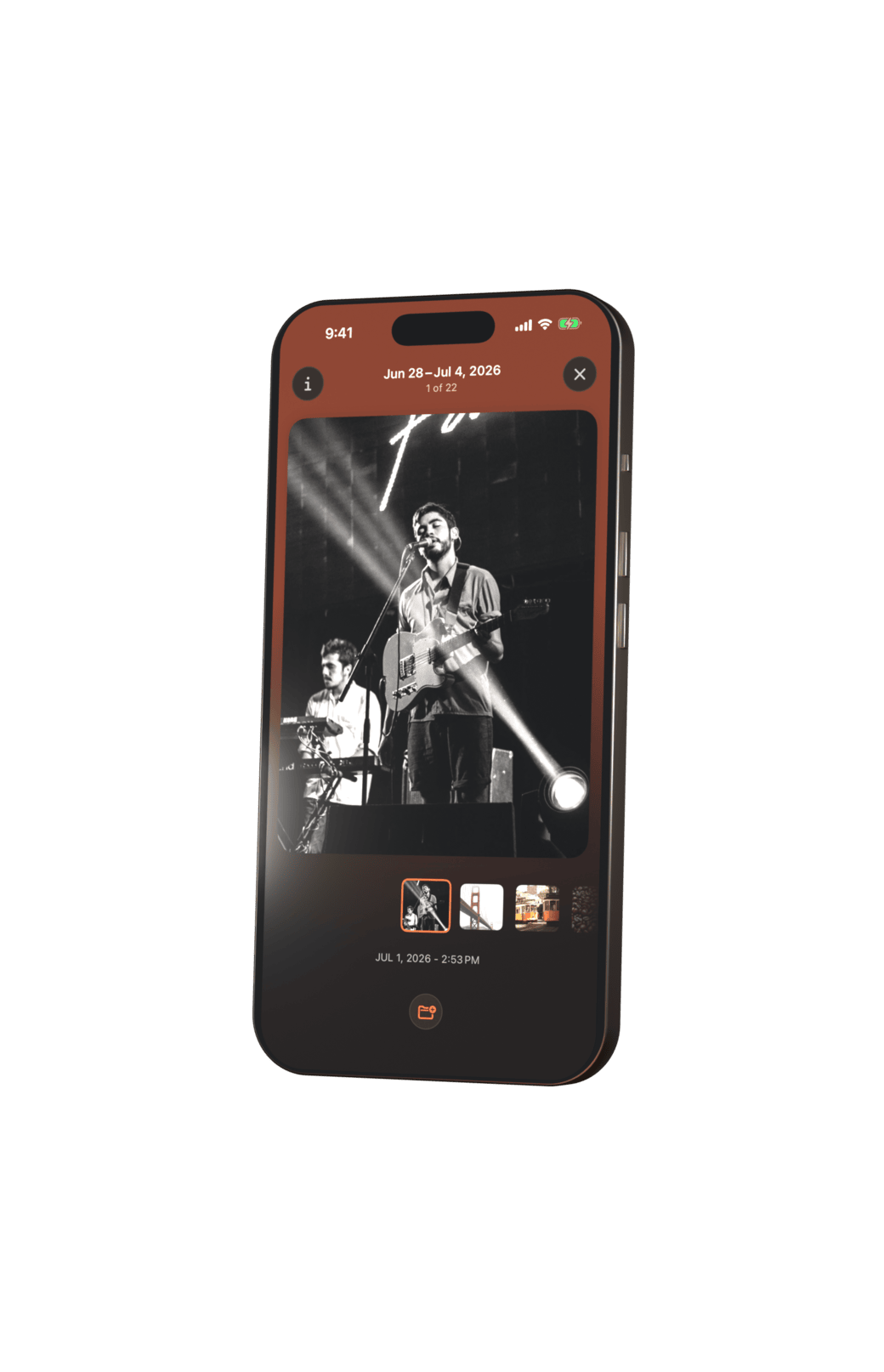
Swipe to keep or delete
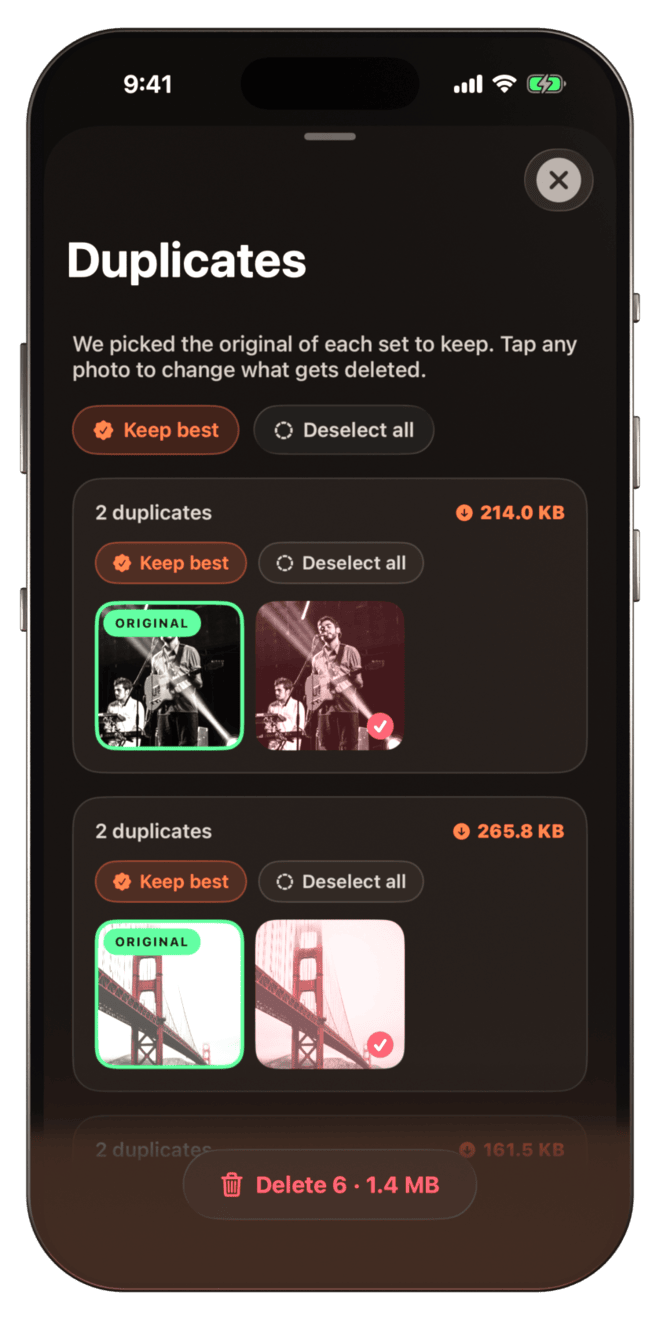
Find and crush duplicates
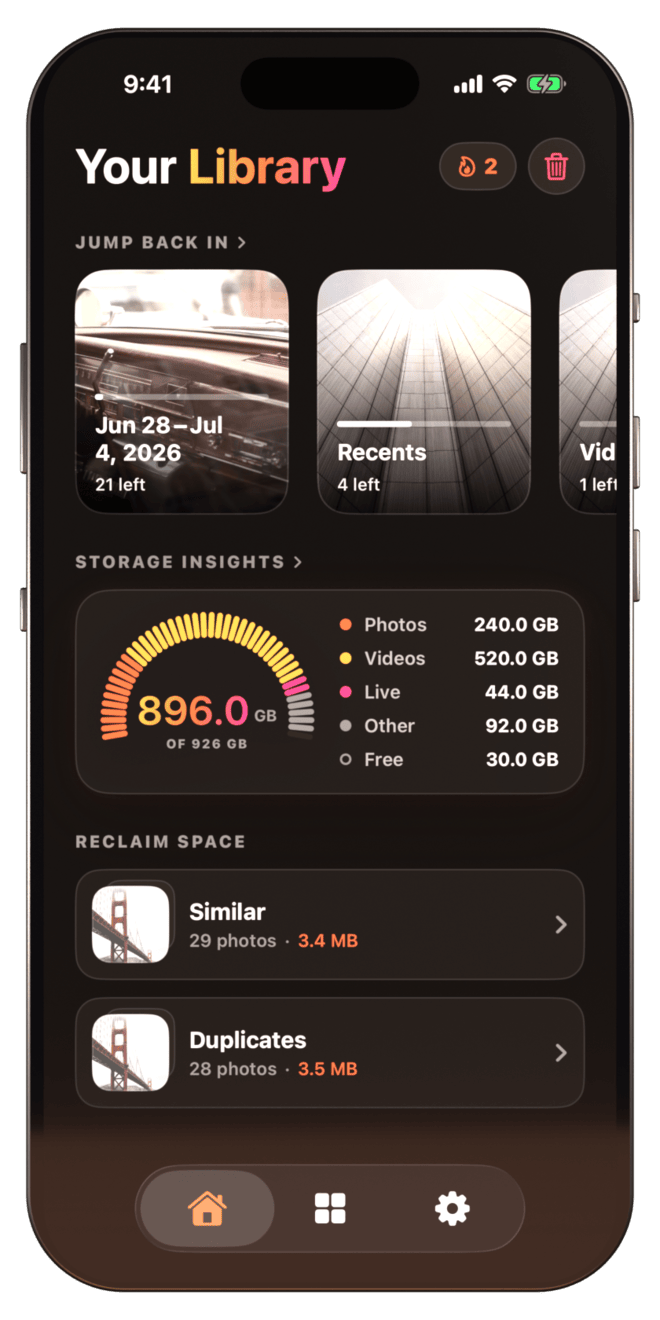
See what's eating your space
Designed for speed (and sanity).
Swipe to sort, fast
Swipe left to delete, right to keep. Blow through hundreds of photos in minutes - the fastest way to clear a bloated camera roll.
Crush duplicates and look-alikes
PhotoFlick finds duplicate and near-identical shots, keeps the best one, and lets you clear the rest in a single tap.
See what’s eating your space
Storage insights break down photos, videos, and live shots - and every cleanup shows exactly how many gigabytes you reclaimed.
Private and reversible
Everything runs on-device with Apple’s PhotoKit. Nothing is uploaded, and deleted photos sit in Recently Deleted for 30 days.
Three steps to a clean camera roll.
Pick an album
Choose any album — Recents, Selfies, Screenshots, or your own — to start cleaning.
Swipe to decide
Swipe left to mark a photo for deletion, swipe right to keep it. Fast, focused, and surprisingly fun.
Confirm and clean
Review everything you've marked in a grid, then move them to system trash with one tap.
Built for people with too many photos.
100% on-device
No uploads, no account
Review before delete
Nothing is removed until you confirm
Minutes, not hours
One swipe per photo
Your photos stay on your iPhone.
PhotoFlick processes your images locally on your device using PhotoKit. We don't run our own servers, we don't upload your photos, and we don't sell your data. The app only needs access to your library so you can review, keep, or delete images. You stay in control the entire time.
Read the full Privacy Policy →Questions you might have.
Will PhotoFlick delete photos without asking?
No. You have to explicitly confirm your choices at the end of a session. Even then, photos go to the system 'Recently Deleted' album, where they can be recovered for 30 days.
Do I need an account to use the app?
No accounts, no logins, no email required. Just download and start cleaning.
Does it upload my photos anywhere?
Never. PhotoFlick is strictly on-device. We have no servers to upload your data to.
Which devices are supported?
PhotoFlick is optimized for iPhone running iOS 17.6 or newer.
One app. Pick your plan.
Every plan unlocks everything - swipe cleanup, duplicate detection, and storage insights.
Every plan includes
- Unlimited swipe sessions
- Duplicate + look-alike detection
- Storage + cleaning insights
- Review before you delete
- Works with every album
- On-device, no account needed
Cancel anytime. No questions asked.
Ready to clean up your photos?
Lifetime for $34.99, or subscribe from $3.33/mo. Takes less than a minute to get started.